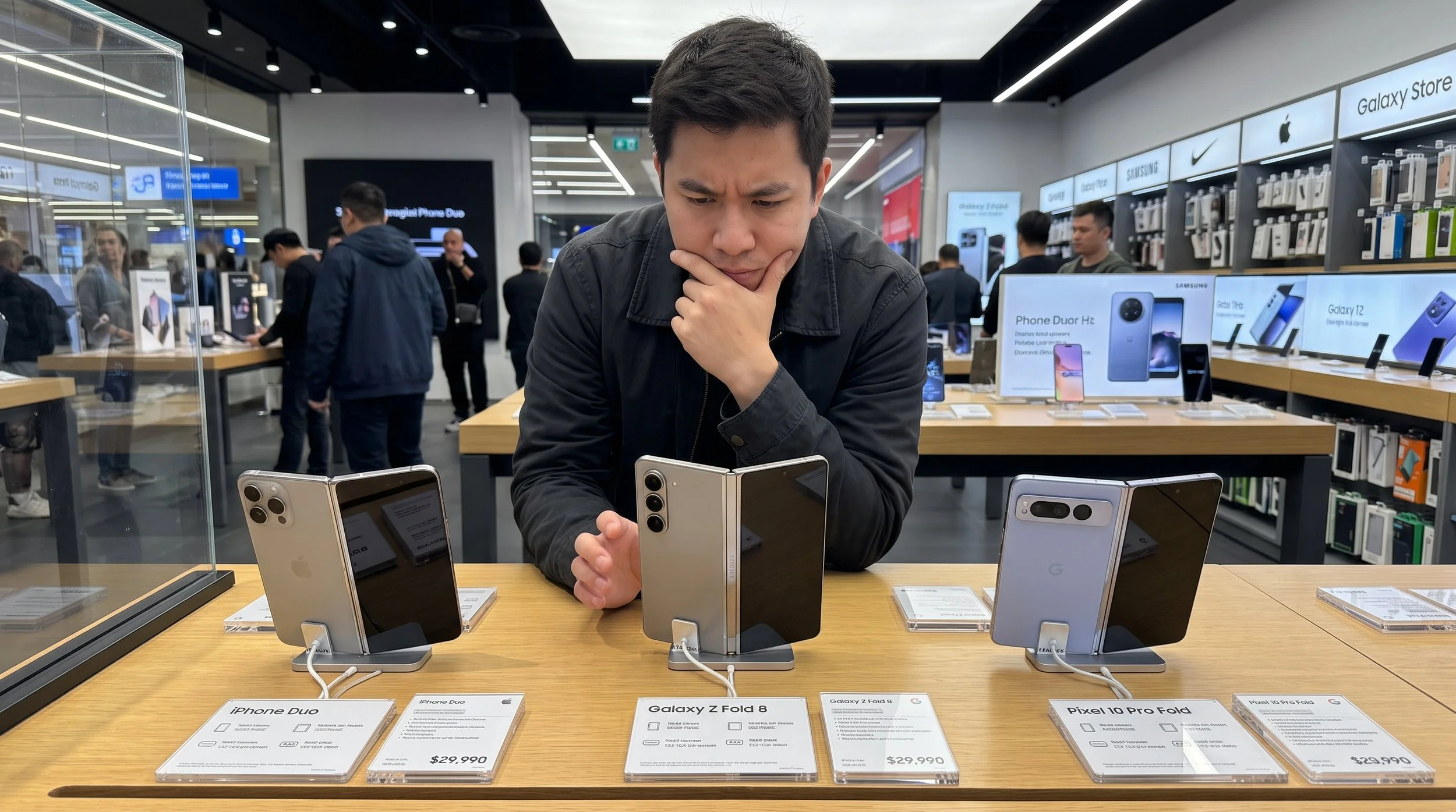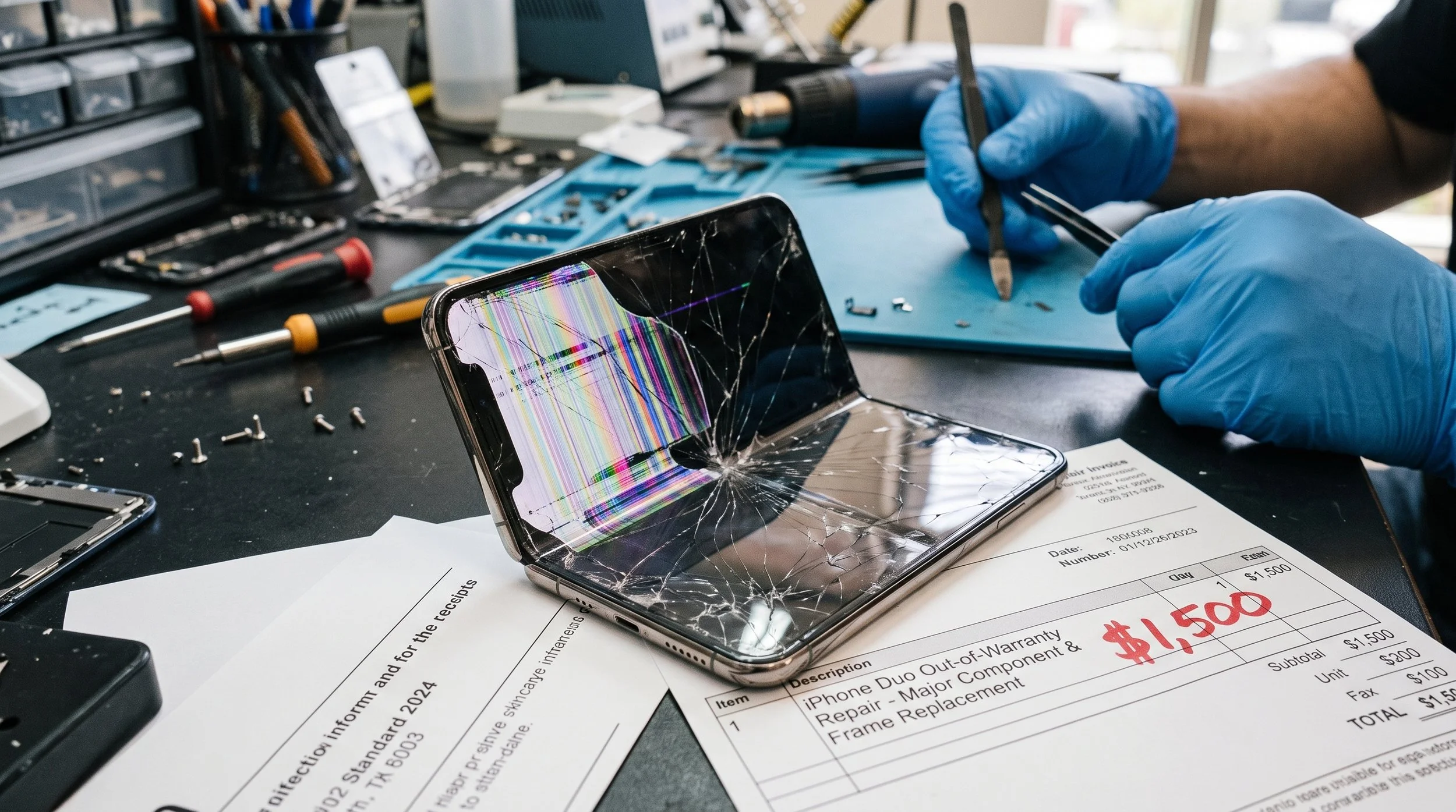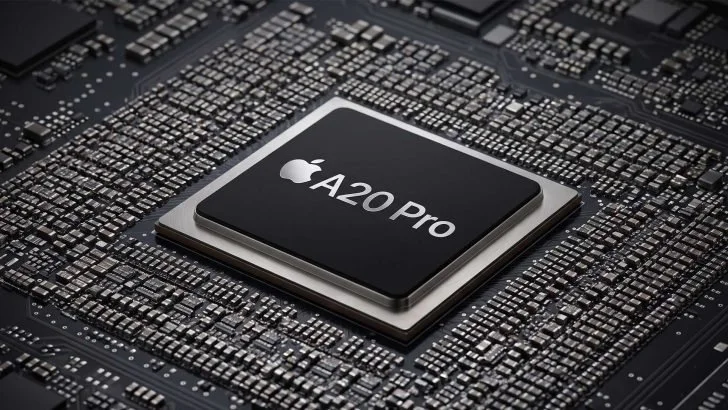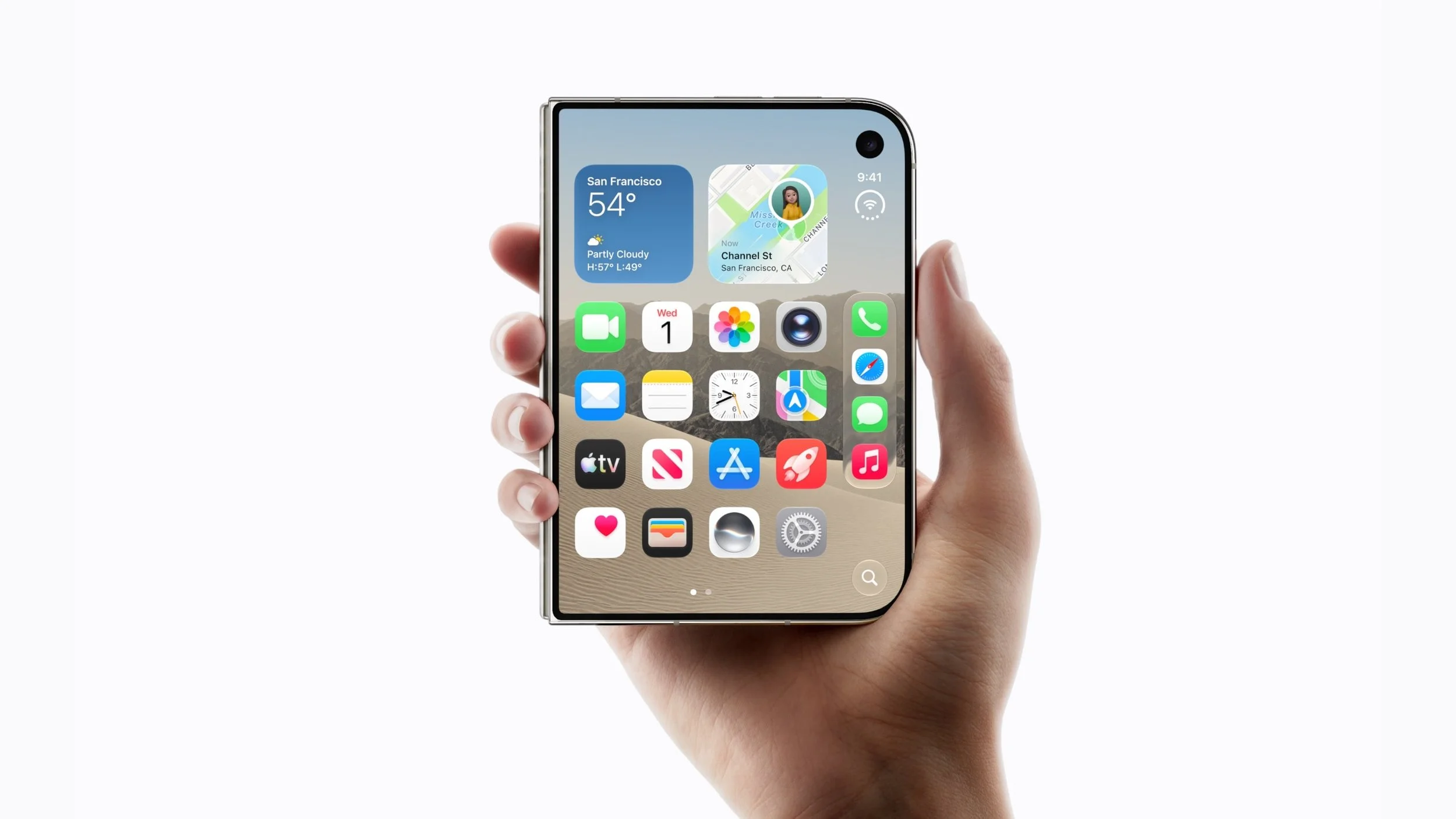
When shopping for a flagship foldable smartphone, the best alternatives to Apple's iPhone Duo are the Samsung Galaxy Z Fold 8 and the Google Pixel 10 Pro Fold. While the iPhone Duo integrates Apple's A20 processor and has an IP68 rating, it has some notable drawbacks. First, the device is bulky (254g/8.96 oz), lacks a true telephoto lens, and offers more limited multitasking than desktop-class Android split-screen. Let me explain further why the Galaxy Z Fold 8 and Pixel 10 Pro Fold may be better choices than the Duo if you’re in the market for a foldable flagship.